Screenshot generation
Turn your real app screens into polished, on-brand store panels — coordinated as a set, not one at a time.
Screenshots, app icon and store copy, designed together. Every required iOS and Android size, in 50 languages, ready to upload.
Interactive design preview
Create, refine and export every asset a store listing needs — in one place, from the screenshots you already have.
Turn your real app screens into polished, on-brand store panels — coordinated as a set, not one at a time.
Generate and iterate on app icon candidates. Compare directions side by side and keep the one that fits.
Draft names, subtitles, keywords and descriptions alongside the art, so the words and the pictures agree.
One art direction drives every panel, so lighting, palette and type match across the whole set by construction.
A real canvas editor: move layers, retype headlines, recolour, retilt the device. Every AI result stays editable.
PNG or JPEG at every size the stores require — iPhone, iPad, Android phone and tablet, plus a Play feature graphic.
A little direction. A complete listing. Room to make it yours.
Upload your app screenshots, or capture them with our CLI. Your actual interface stays at the centre of the design.
Your app, your content.Choose a visual style, then generate a coordinated set. Refine the headlines, colours and device placement in the canvas editor.
One palette. One story. Every panel.Review the finished set and export PNG or JPEG files for iPhone, iPad, Android and Google Play. The final say stays with you.
Ready for your next release.Screenshots, icons and listing copy that hold together — because they were made together, from one direction.
Browse the showcase
Daily Habits & Routines
iPhone
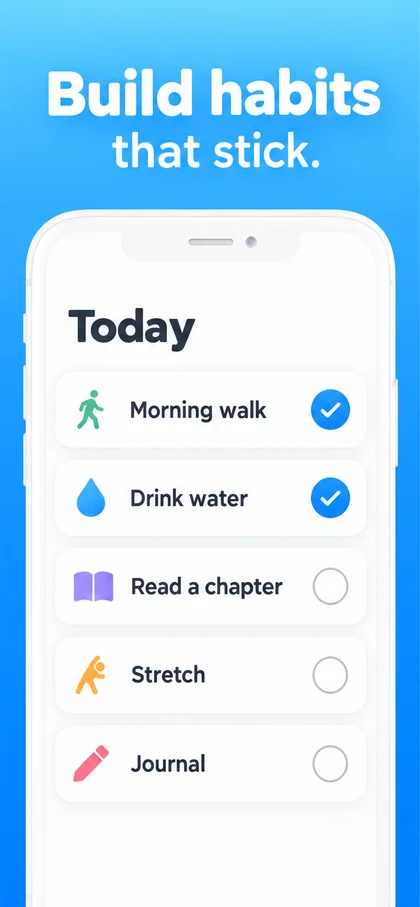
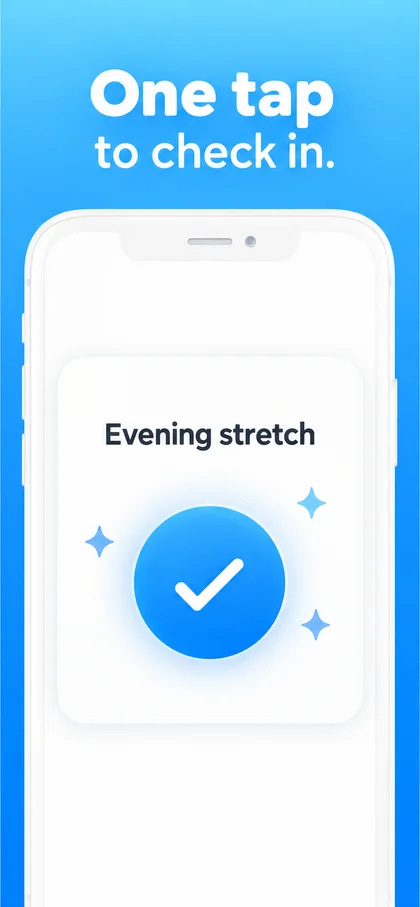
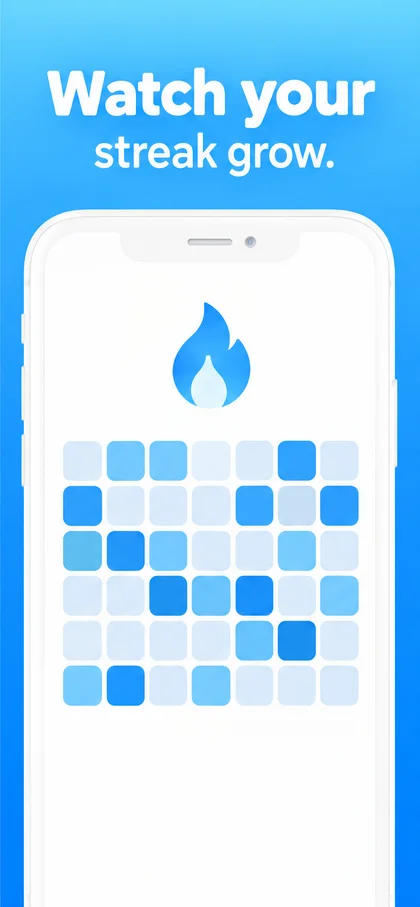
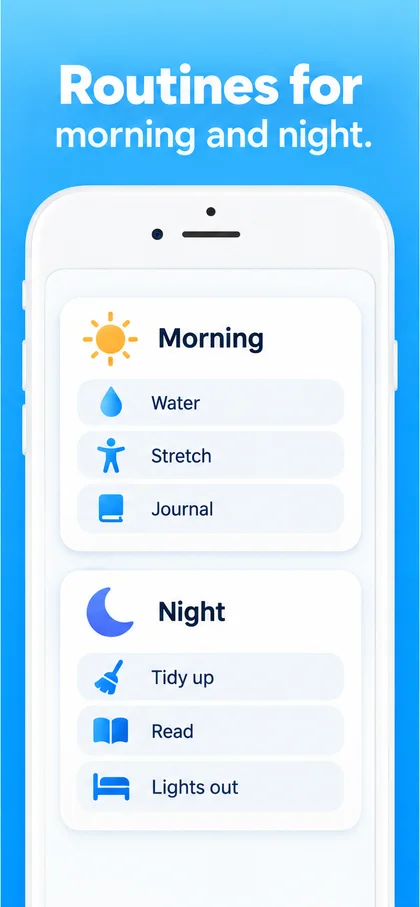
Small steps, every day. Streak makes building habits simple: check in with one tap, keep your streak alive, and build routines for morning and night.
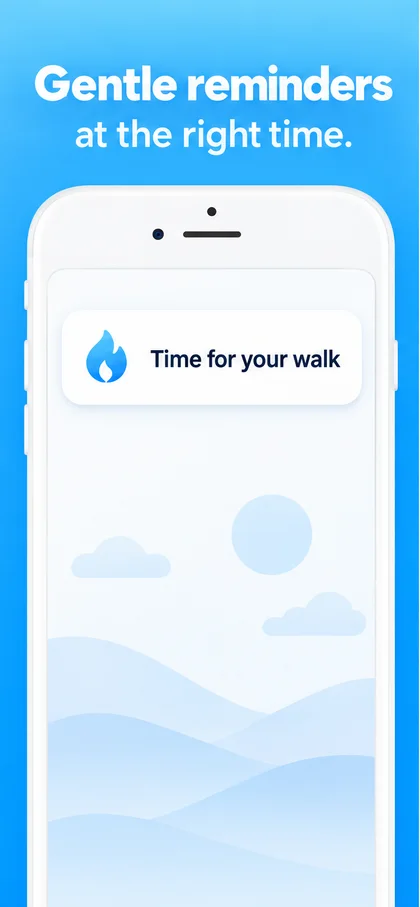
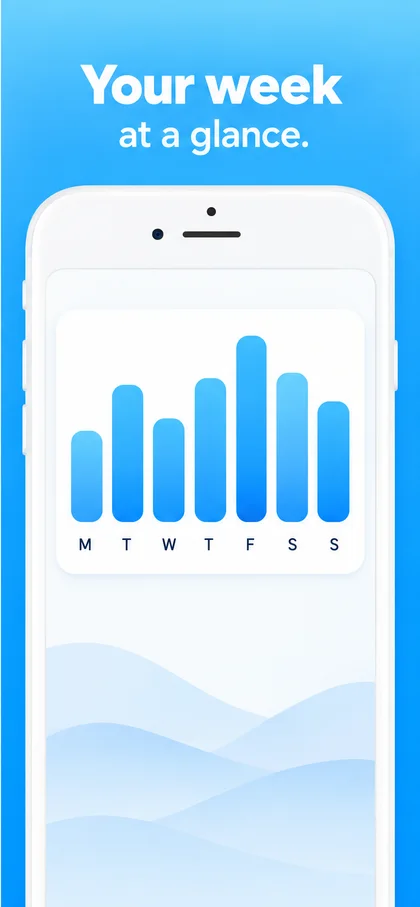
Gentle reminders arrive when you actually have a minute, and your whole week is one glance away. Free to start, with Streak Plus for unlimited habits. more
Version 3.1Night routines get a wind-down step, widgets now show today’s habits, and small fixes throughout.





The six things people ask before they upload anything.
The screenshots you already have. Capture them from a simulator or a device, upload them, and answer a short questionnaire about the app. There is nothing to install, and you do not need design files, mockups or a brand kit.
No. Your screenshot is treated as a photograph that the styling is not allowed to touch. The art direction works around it, never on it, so no button, label or number inside your app is ever invented or repainted. That is the single most common way a generated screenshot gets an app rejected.
An app icon and your listing copy, designed alongside the panels rather than in three separate tools. The icon can be generated in a style or built by hand in the same editor, and it exports at every size the App Store, Google Play and Xcode ask for.
You export them and upload them yourself today. Every panel comes out at the exact pixel sizes Apple and Google require, so there is nothing to resize or rename. Direct publishing to App Store Connect is written and waiting on a live account test, and we would rather say that plainly than advertise it before it is proven.
The rules Apple rejects for are enforced rather than suggested. No invented ratings, review quotes, rankings or press logos, no fake notifications or system alerts, no App Store badges inside a panel, and no numbers in a device screen that your app did not produce.
Unlimited projects, the full manual editor and exports at every store size. Try AI with 6 credits and one style exploration. Automated listings and icon batches start on Launch, a $15 one-time pack.
The full manual editor is in every plan, including the free one. Keep unlimited projects, and choose the amount of AI help you want.
Fresh ideas for the apps you keep shipping.
$19per month
Your workspace, with a little AI to try.
$0forever
A focused AI pack for your next release.
$15one time
More AI for your portfolio and client work.
$49per month
Unlimited projects. Full manual editor. PNG & JPEG export at every store size.
Each successful AI design, edit, copy or translation request uses 2 credits, including a result you choose not to apply. Failed requests and requests with no result use no credits. Icon batches, style explorations and automated listings have separate allowances. Manual editing and exports use no AI credits.
Pro and Studio allowances reset each billing month and do not roll over. Free includes a one-time AI trial. Launch is a one-time pack with no scheduled expiry or renewal. Switching plans replaces your allowance; unused Launch credits do not carry into a subscription. No automatic overage charges.
A style exploration creates up to 4 art directions (1 on Free). An automated listing creates up to 9 panels. Allowances are shared across all your projects. Prices are in USD; applicable taxes are shown at checkout.

Bring the screenshots you already have. Leave with a listing you would click.